Over- and Under Delivery - Setup
Setting Up Over- and under Delivery
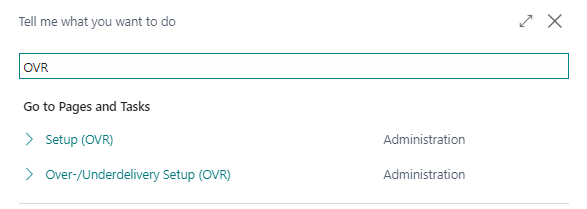
| 1 | Press ALT + Q and digit "OVR" |
| 2 | Define Over-/Underdelivery setup for inbound/outbound quantities |
| 3 | Create a document with quantity to handle grater than ordered quantity |
| 4 | Post the document |
Over- and Under-Delivery Quantities (OVR) - SUMMARY
The App Over- and Under-Delivery Quantities allows you to manage tolerance on the quantities of goods, in excess or shortage, to ship or to load. The feature is implemented for both purchase and sales orders, and it is active also in warehouse management.
Some features of this app require a subscription.
The subscription can be activated from Subscription control panel page or directly from the notification messages that the system proposes, by clicking on the link that allows you to start the subscription wizard.
In details:
See https://www.eos-solutions.app/ website for more information.
Setting Up Over- and under Delivery
Was this page helpful?
Glad to hear it! Please tell us how we can improve.
Sorry to hear that. Please tell us how we can improve.