Setup
Setting Up EMA Extended Accounting
Quick guide
| 1 | Define the setup |
| 2 | Evaluate different analysis scenarios |
| 3 | Verify data |
The Extended Management Accounting Eos Solutions app extends the functionality of Cost Accounting and enables the implementation of customer/item profitability analysis.
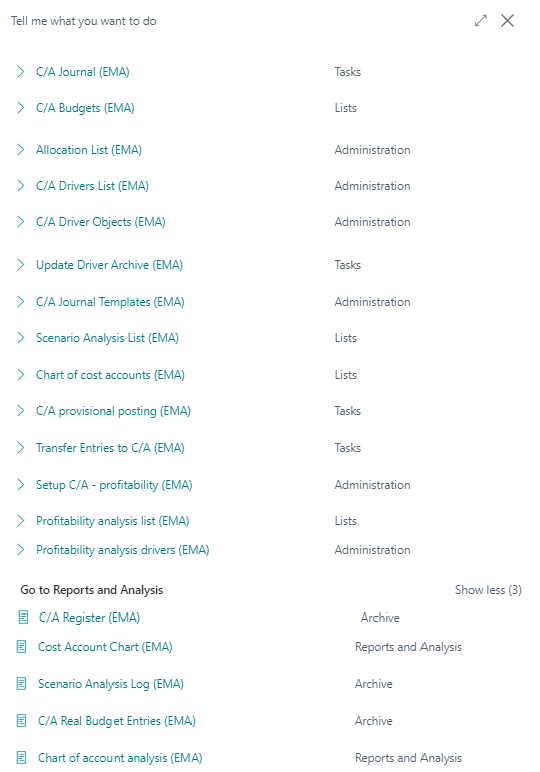
Press ALT + Q and digit “EMA” for a list of the features involved:
| Task | See |
|---|---|
| Cost accunting (EMA) | Ema Extended Management Accounting - Cost Accounting |
| Profitability Analysis (EMA) | Ema Extended Management Accounting - Profitability analysis |
Some features of this app require a subscription.
The subscription can be activated from Subscription control panel page or directly from the notification messages that the system proposes, by clicking on the link that allows you to start the subscription wizard.
In details:
See https://www.eos-solutions.app/ website for more information.
Was this page helpful?
Glad to hear it! Please tell us how we can improve.
Sorry to hear that. Please tell us how we can improve.